
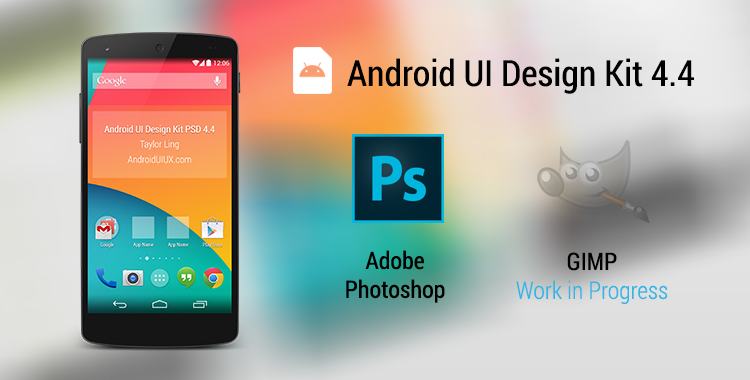
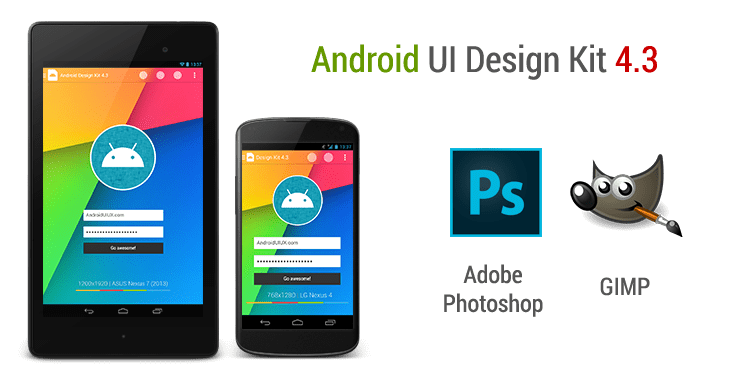
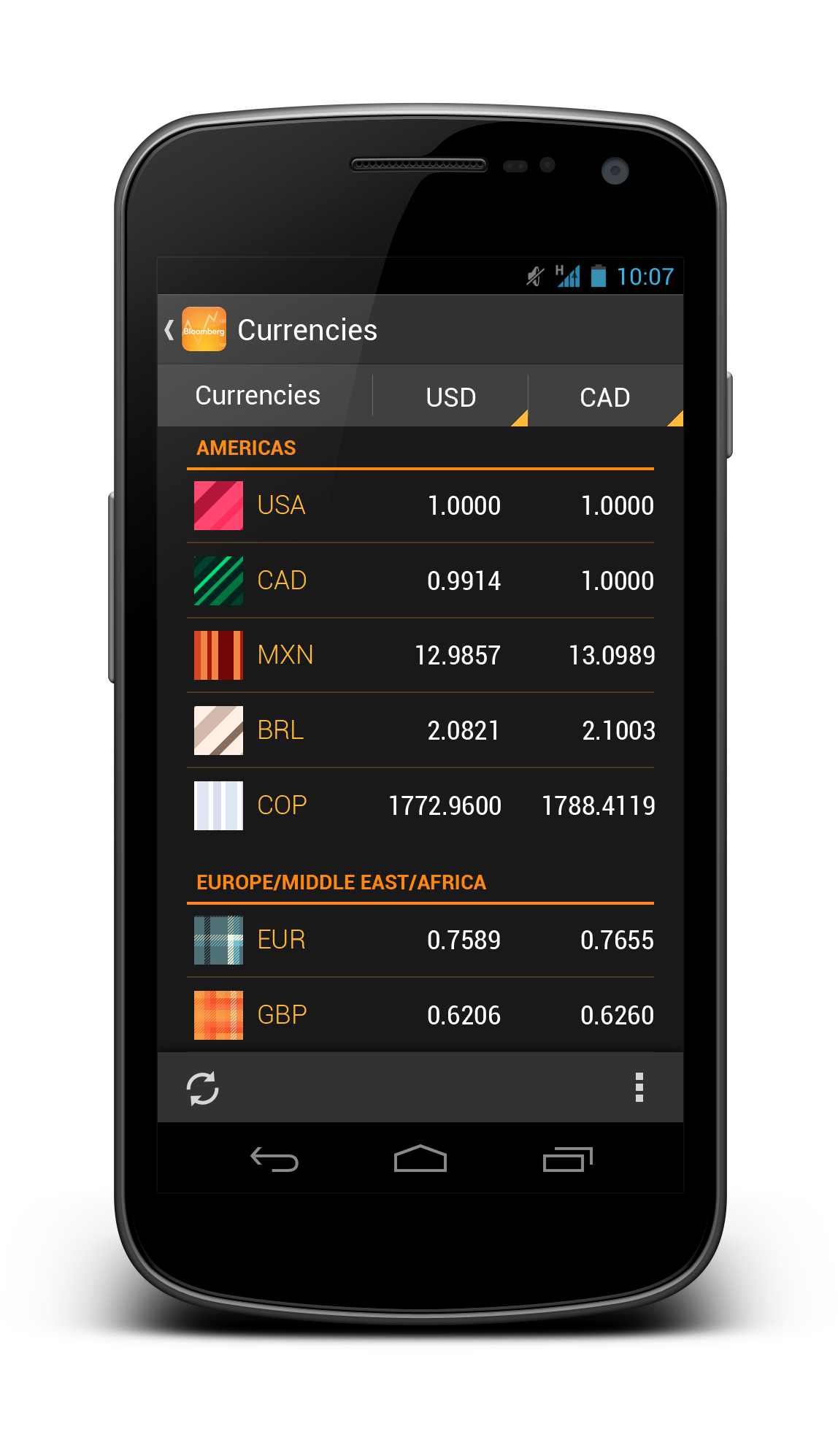
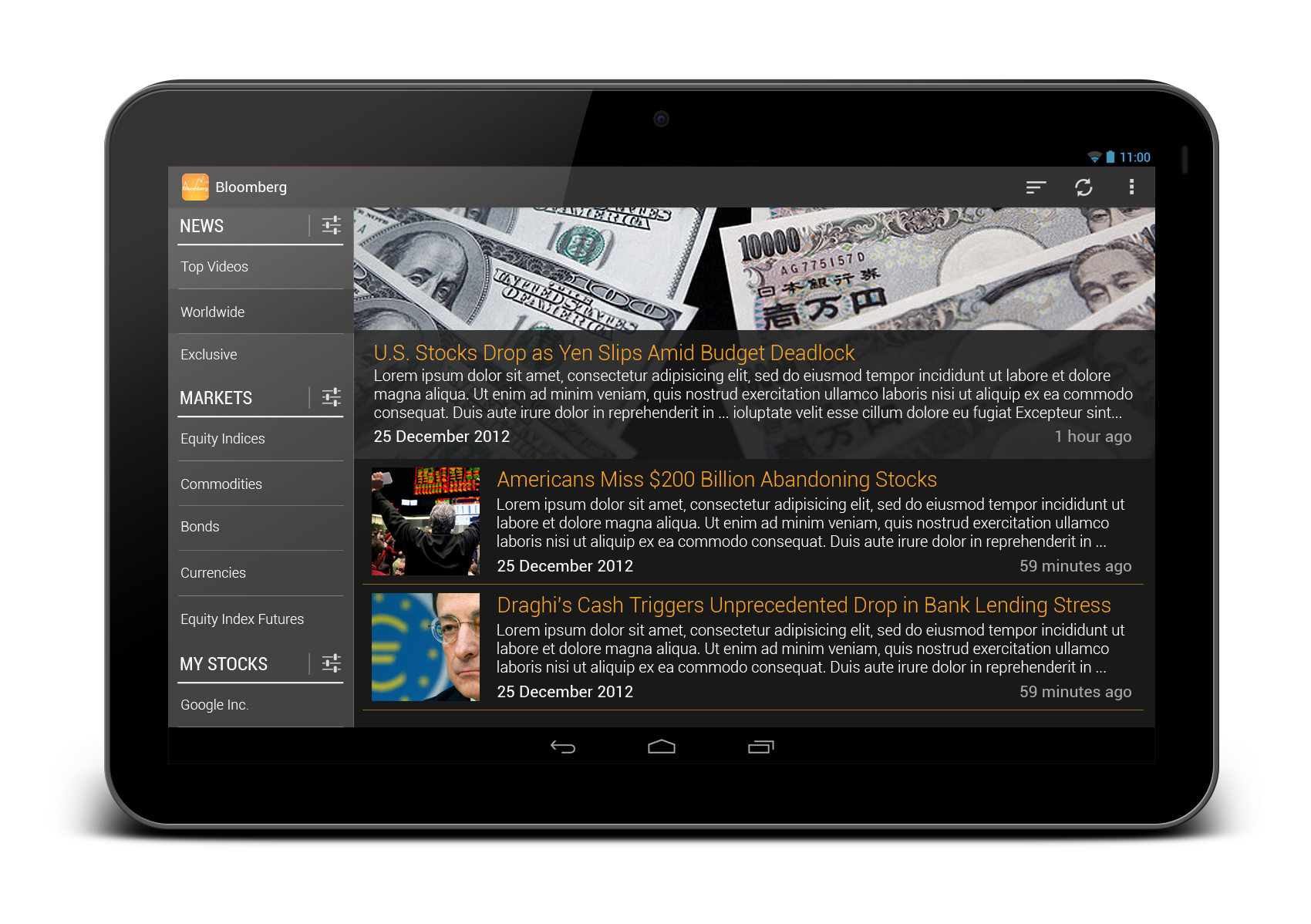
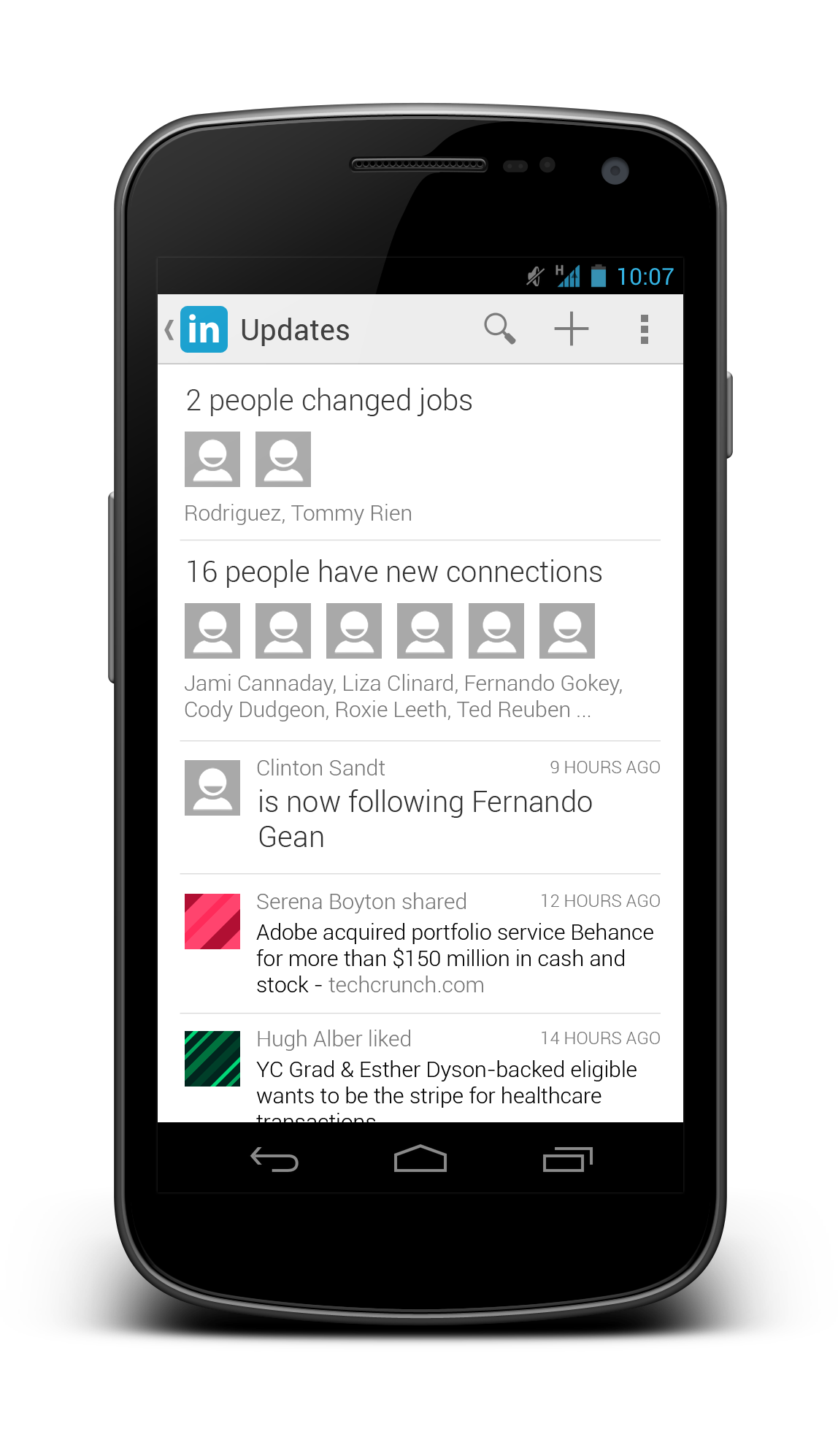
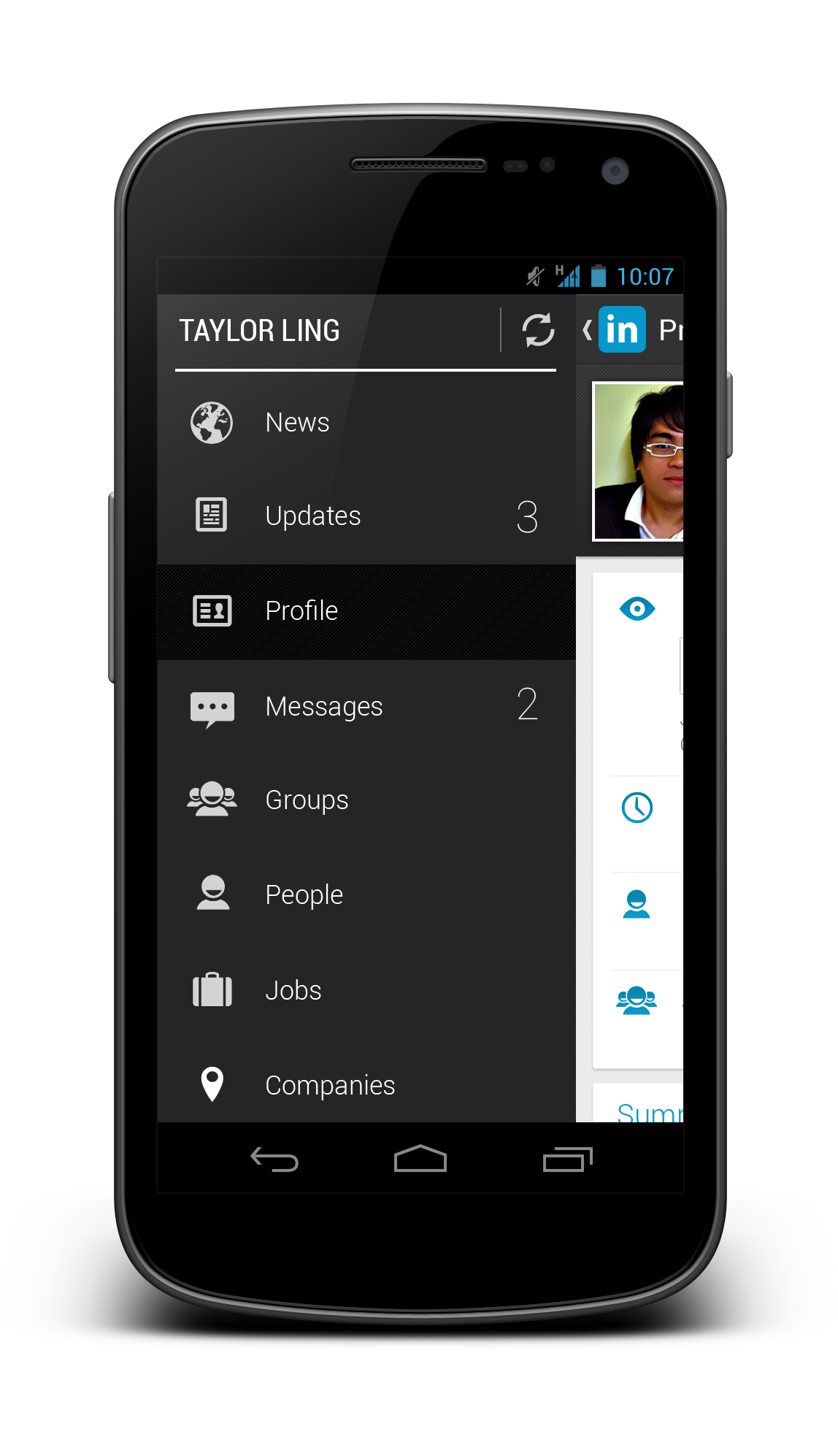
Happy New Year folks! In the past few weeks, I have worked slowly on the new Android UI Design Kit for Photoshop 4.4, which is a Nexus 5 version, and today I am happy to announce that it is ready! This time it only comes with Photoshop version though, I am still working on the GIMP version, mainly on replacing the text layers (which I just found out recently the text layers from Photoshop won’t work in GIMP!). If there is any GIMP gurus would like to help out replacing the text layers, do let me know in the Comments section.
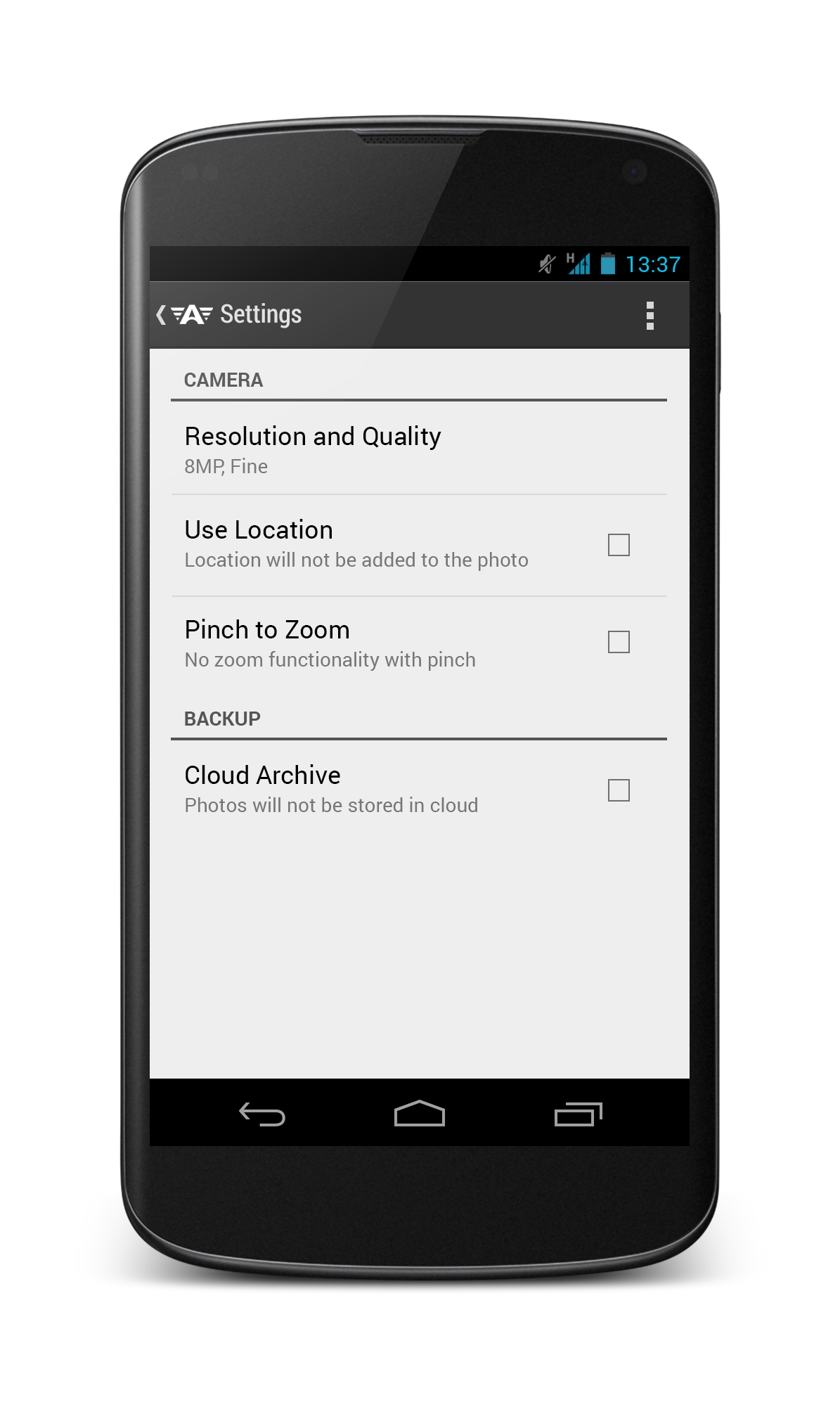
This update the Design Kit to Nexus 5 resolution (Portrait Mode – 1080×1920), with several new building blocks added in it.
What’s new in 4.4?
- Action Bar – PullToRefresh
- Action Bar – NotBoring
- HoloGraphLibrary
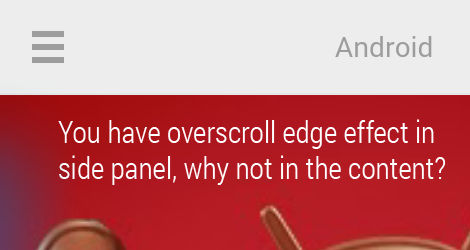
- Scroll Bar
- Search Action Bar
- Contextual Action Bar
Other than that, every building blocks from the previous version are included, making it the most complete Design Kit to date.
Tips
- You must first install both Roboto and Roboto Slab fonts before using the Design Kit. It’s a must. If you doesn’t want to install them, you won’t be able to use the Design Kit at full potential.
- The recommended way to start designing is to use the Quick Start file, then Shift+Drag the required UI elements from the Building Block file
- Nexus 4 and Nexus 7 Design Kit is available in the previous version
Price
Free. As I mentioned previously, getting every designers to use this and create awesome high fidelity mock ups will already be a very good motivating factor.
However, if you think I deserve to have a cup of coffee from the work that I have done, you can always support me via Paypal, so that I can maintain the chakra to produce awesome stuffs for the community.

Download
As usual, the Design Kit is made available in my MediaFire account. Go get it and be awesome!
Android UI Design Kit for Photoshop 4.4 [Nexus 5] ~14MB
If you are using GIMP and wanted to use the WIP version, feel free!






















 #androiduiux